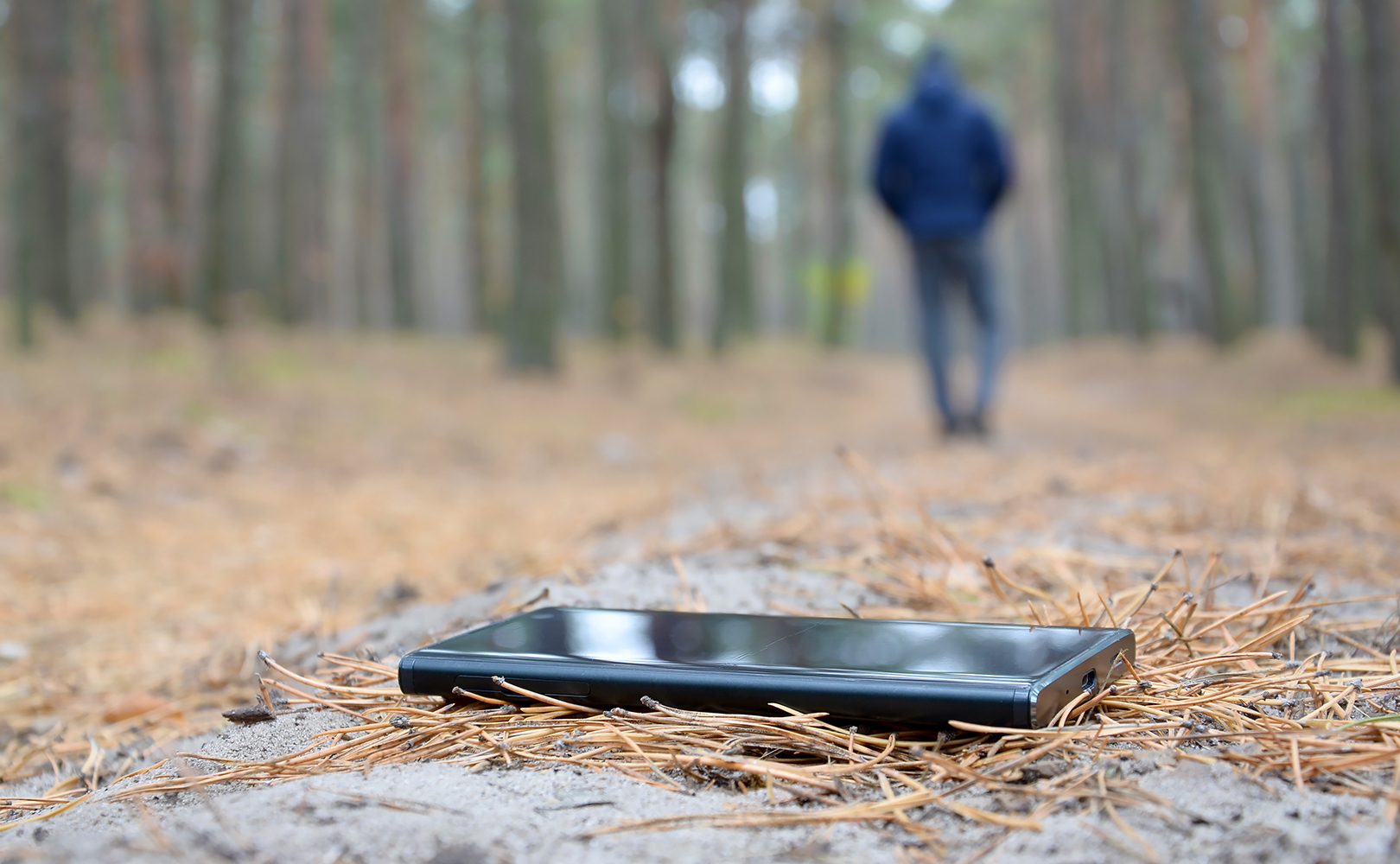
Most have heard the old adage, Always Be Prepared!, but few take the advice to heart until it is too late. And most of us have a cellular phone that we would be devastated to lose. That’s because we feel that we need all those thousands of photos we snapped of what we had to eat in that restaurant we dined in when we were on vacation ten years ago. Never mind that we have long forgotten the name of the restaurant or even the town it was in. We even had snapshots that are so blurry or dark that we can’t even tell where they were taken. And, each time we invest in a new phone we have to pay more for storage space because we can’t imagine losing all the information we have stored on our cell phones.
Here is a wake-up call for you. No one wants to see those photos but you, so why are you carrying them around on your phone. You can back up your entire phone online for a small percentage of what you pay to carry them around on your phone. And, if you do want to share that photo standing in front of Mexico City’s Palace of Bella Artes, just make a note on your phone to share it when you get home.
Why Back Up Your Phone
For those who are not aware, telephone loss and theft are on the rise on a global scale. Within just the U.S. along 7.3 million cell phones were reported stolen in the U.S. alone in 2024, not including those that were simply lost and not reported. Most countries are reporting that reports of stolen phones doubled in 2024 from 2023 and they expect that 2026 will likely be higher.
Backing up your phone on a daily basis while you are asleep is not only easy but can be a life saver if you ever lose your phone or it is stolen. Of course, backing it up is only part of the solution. You should also delete anything that you do not want to fall into the wrong hands.
You should avoid storing highly sensitive data
Passwords, Social Security numbers, bank details, credit card numbers, and private photos directly on your phone, especially in unsecured apps like notes, and be cautious about sharing personal info with companies or clicking suspicious links; instead, use secure password managers, biometric locks, and encryption.
What to Avoid Storing
Login Credentials: Passwords, PINs, security questions, and banking details (account numbers, credit/debit card info).
Government IDs: Social Security Number (SSN), driver’s license, passport info, insurance numbers.
Photos/Videos: All photos have meta data stored with them that provides information about the date/time/location of the photo and more. Making it easy for anyone to find you, your home, your favorite restaurants and more.
Sensitive Communications: Text messages or voicemails with information that could be compromised.
Work/Financial Records: Anything detailing your income, investments, or sensitive employment history.
What to Avoid Doing (Actions)
Clicking Links/Attachments: Be wary of unsolicited texts or emails (phishing) asking for info or directing you to fake sites.
Unsecured Wi-Fi: Entering sensitive data when connected to public Wi-Fi without a VPN.
Excessive App Permissions: Granting apps access to your contacts, location, or microphone unnecessarily.
Ignoring Updates: Outdated software can have security vulnerabilities.
Sharing Too Freely: Giving your phone number to every company or in every sign-up form.
How to Protect What You Must Keep
While there are no known what to completely ensure protection from thieves that have invested in learning how to break into your phone, there are ways to keep the initiated from getting access. Again, do not store anything on your phone that you do not want to fall into the wrong hands.
Use a Strong Passcode/Biometrics: Always use a complex PIN/pattern and fingerprint/face ID, but use alphanumeric passwords over biometrics if you fear forced unlocking.
Encrypt Everything: Encrypt your phone and SIM card.
Use a Password Manager: Store logins in a secure, dedicated app.
Enable Find My Device: Set up remote locking/wiping for lost phones.
Delete Old Data: Regularly clear sensitive data from messages and apps.
The IMEI (International Mobile Equipment Identity) code
Every cell phone in the world has a unique IMEI code. The IMEI is transmitted by the same equipment to your operator’s network automatically when connected to it. By having immediate access to the IMEI (International Mobile Equipment Identity) Code, you can report the lost or stolen phone to your cellular provider and ask the operators to suspend or block the phone, as well as share the information with the Global Association of Mobile Communication Systems (GSMA). At this point the phone can be suspended or have its access blocked making the phone unusable.
When your phone is lost or stolen
To immediately block a lost phone, use your carrier’s app/website or call them to suspend service and blacklist the IMEI, while also using Google Find My Device or Apple’s Find My Phone to remotely lock/erase data for security. Act quickly by logging into your online account or calling customer support to report it lost or stolen; this stops calls/data and prevents unauthorized use.
Phones contain valuable information that allow thieves to access every detail of your life. Today, many 12 year olds know how to break into any phone in minutes. Once in they can transfer all of the information on the phone to their server in the cloud and then either discard the phone or pass it along to someone else. To protect your information you must act quickly as you may only have a few minutes to suspend or block access to the phone.
In either case, another person will then have access to the information and may possibly attempt to return it to the owner for a reward. This is where many get in trouble. Always be aware of someone attempting to return a stolen or lost phone. Always meet in a public place that has security in place, like the police department or a bank, to make the transfer. Notify the security people that your phone was lost of stolen and that the person who supposedly found it is coming to return it to you.
How to Find Your IMEI
The IMEI (International Mobile Equipment Identity) code is the international identity code that each cell phone has and that uniquely distinguishes it, it is the identity footprint of the mobile device, comparable to the fingerprint of people. The IMEI code of the cell phone should be kept in a safe place so that in case of loss, loss or theft you can report it, in this way the specific IMEI can be deactivated to avoid its subsequent use.
- On an iPhone: In Settings > General > About > IMEI or IMEI2
- On most phones (including iPhone) Dial *#06#: Open your phone’s dialer and type *#06#. The IMEI will pop up on the screen.
- Check Settings: Go to Settings > About Phone (or System > About Phone) and scroll down to look for IMEI.
- Look on the Device: Many phones have the IMEI printed on the back or inside the battery compartment (if removable).
- Check the Original Box: A sticker on the phone’s packaging usually lists the IMEI.
- Use Find My Device (Android): In Settings > Security > Find My Device, tap the phone icon for info.
Why You Need Your IMEI
Block a Lost/Stolen Phone: Contact your carrier with the IMEI to block it from the network.
Activate/Register: For network compatibility and activation.
Check Device Status: Verify if a device is blacklisted or ready for network use.
Frequently Asked Questions (FAQs)
1. What is IMEI?
The International Mobile System Equipment Identity is a 15-digit code pre-recorded on mobile phones, which serves as an international identity code that each cell phone has and that uniquely distinguishes it.
2. What is the IMEI for?
Being a mobile phone identity code, it is possible to know if a cellular computer has been included in the global list of stolen or lost mobile devices, before acquiring them. This seeks to discourage the theft of cell phones and thus avoid that in many cases they are used by criminals to carry out extortion and other illicits.
3. How can I get the IMEI from my cell phone?
You can check the 15 digits that make up the IMEI by dialing *#06# from your computer, find it in the phone settings or, failing that, a white label under the battery of the device.
4. Once I have the IMEI how I check if the team has a report of theft or loss?
The process is very simple. You only have to enter the link intended for verification on the website of the Federal Telecommunications Institute https://www.crt.gob.mx/imei where you must enter the IMEI number of the equipment you want to consult and automatically start searching for this information in the database.
5. In what type of equipment is it possible to make the consultation?
You can make the query from any computer or mobile device with internet connection. Just keep in mind that this tool only works for users who search from Mexico and is limited to two queries per day per user.
6. If they steal my cell phone, the IMEI can serve to block the equipment?
Yes, the IMEI is a fingerprint that identifies the device worldwide. If you locate that the computer has reports of theft or loss you can require the service operator to block the cell phone.
7. How reliable and comprehensive is the database that nourishes the IMEI verification system? The database of IMEI is updated daily with reports from more than 150 global operators, including 38 operators from 15 Latin American countries.
8. Is my phone operator nourishing that database or how my operator intervenes in this scheme?
The IMEI code of each device is transmitted by the same equipment to your operator’s network automatically when connected to it and it is the operators who periodically update the GSMA database.
9. What are the benefits of stolen equipment?
By reporting the theft of mobile equipment you contribute to inhibit this crime, since the operators are obliged to block the equipment and suspend the service.
Remember that the blocking of the equipment is extensive to the networks of other operators in different countries, so that not only in Mexico its disablement will be applicable.
10. The IMEI is not part of the SIM
The IMEI Code is stored permanently in the phone. This makes the phone unusable even with a new SIM card.